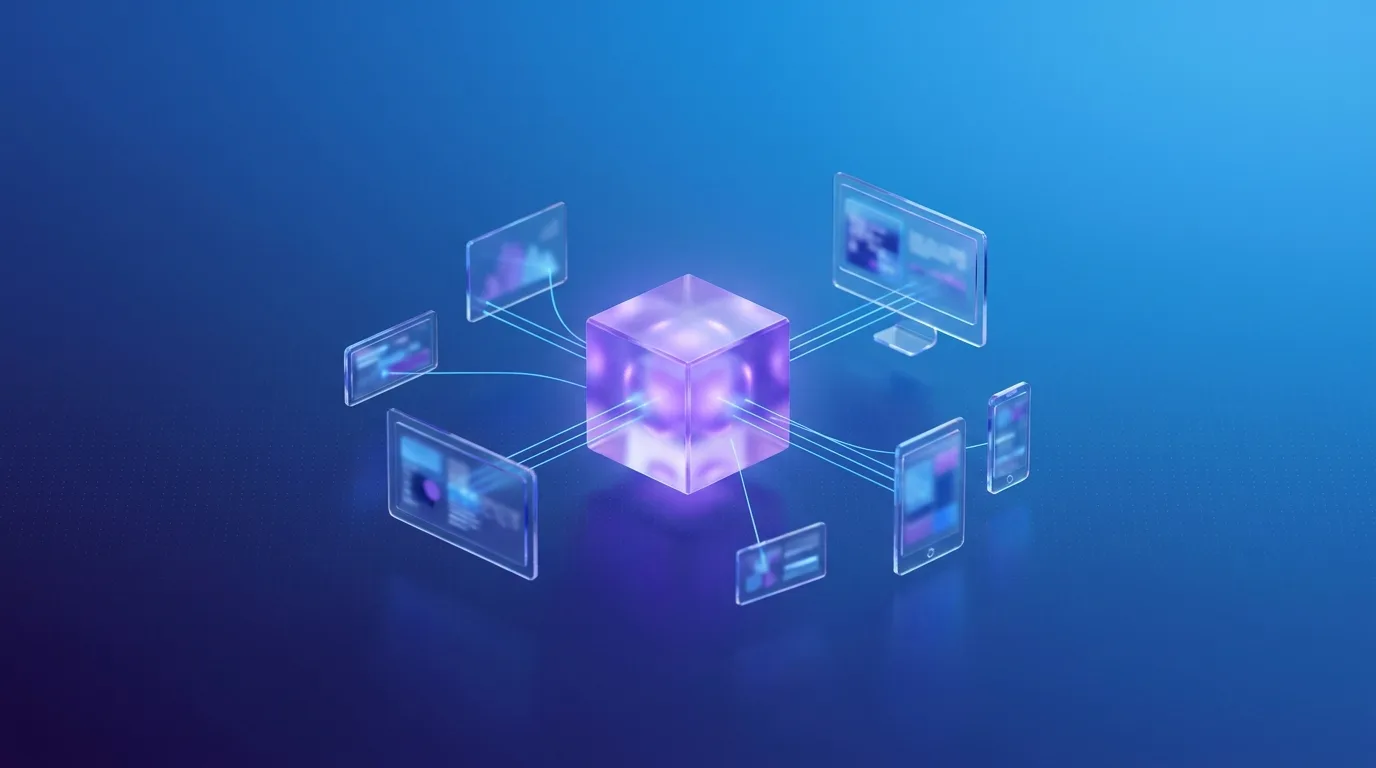
If your website still runs on a traditional, tightly coupled content management system (CMS) like WordPress or Joomla, you're dealing with a system that was designed for a different era. Headless CMS architecture separates content management from content presentation — and that distinction changes everything.
What "Headless" Actually Means
A traditional CMS bundles the backend (where you manage content) and the frontend (what visitors see) into one system. A headless CMS removes the fixed frontend entirely. Content is stored and managed in the backend, then delivered through an application programming interface (API) to any display — a website, mobile app, digital sign, or another channel.
Think of it this way: your content lives in one place, but it can appear anywhere.
Five Concrete Benefits
1. Performance That Users Notice
Headless frontends built with modern frameworks like Nuxt or Next.js deliver sub-second page loads. There's no bloated theme system or plugin overhead slowing things down. Google's loading, responsiveness, and visual stability metrics (Core Web Vitals) consistently score green.
2. Publish Across Channels
Create content once, publish it everywhere. The same product description can power your website, mobile app, and in-store kiosk without duplicating effort. For businesses publishing through several channels, this eliminates hours of repetitive content work.
3. Developer Freedom
Traditional CMS platforms dictate which technologies you can use. With a headless approach, your development team picks the best tools for the job — Vue, React, Svelte, whatever fits. This attracts better talent and produces better outcomes.
4. Security by Architecture
When the frontend is decoupled from the backend, the attack surface shrinks dramatically. There's no exposed admin panel at the public web address and no vulnerable plugins processing requests. The content API can be restricted to approved websites and specific types of requests.
5. Scalability Without Surprises
Static or server-rendered frontends handle traffic spikes effortlessly. A product launch or viral campaign won't crash your site because the frontend serves pre-built pages through a globally distributed content delivery network (CDN). Your CMS backend handles editorial work, not public traffic.
The Right Headless CMS for Your Use Case
The market offers strong options depending on your needs:
- TYPO3 Headless — ideal for enterprises with complex content structures, multi-language requirements, and strict compliance needs
- Strapi — open-source, self-hosted, and well suited to startups and mid-size projects
- Contentful / Sanity — fully managed online services, known as software as a service (SaaS), with user-friendly editorial tools
Common Concerns
The right option depends on your team, budget, and existing systems. Our overview of flexible headless CMS solutions explains the choices in plain language.
"Won't we lose the visual editor?" Modern headless CMS platforms include visual editing, live previews, and drag-and-drop capabilities. The editing experience has caught up.
"Is it more expensive?" Initial setup can be slightly more expensive, but the total cost over the system's lifetime drops significantly. There is less maintenance, fewer security patches, faster content updates, and no need for expensive plugin licenses.
"Can our content team handle it?" Yes. Modern headless CMS dashboards are designed for non-technical users. Many editors find them cleaner and faster than traditional admin panels.
When to Make the Switch
If any of these apply to your business, it's time to evaluate headless:
- Your current site loads slowly despite optimization efforts
- You need to publish content to multiple platforms
- Your development team is fighting the CMS instead of building features
- Security concerns keep you up at night
- You're planning a redesign anyway
The migration doesn't have to happen overnight. Many businesses run hybrid setups during transition, moving section by section until the old system is fully retired.